A tour of MicroCRM
Real screens from the app, no mockups. Here is what you get for leads, quotes, invoices, reminders and UK tax reporting.
90 days free on the Free plan. Cancel anytime.
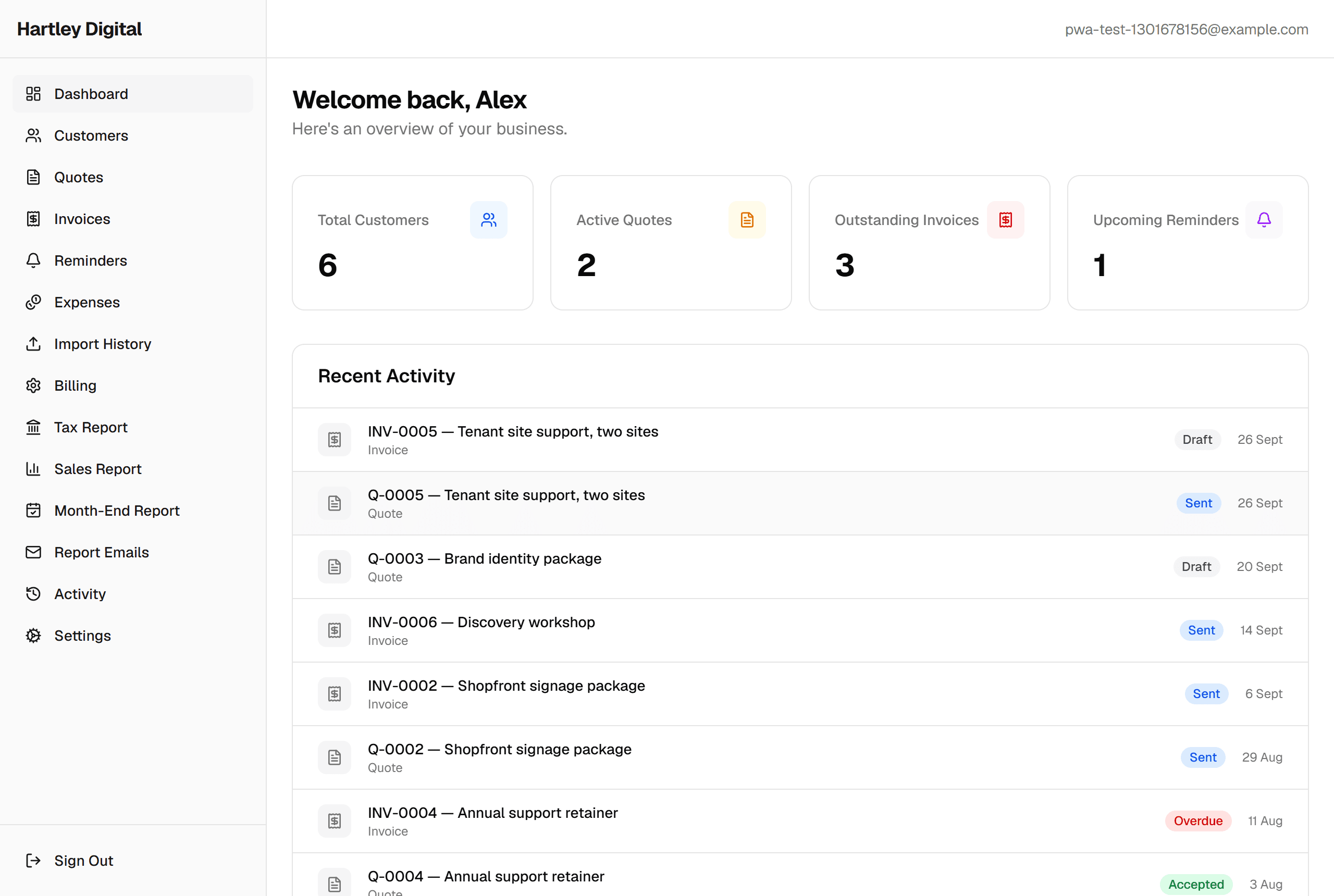
Everything at a glance
Open the app and you know where the business stands: pipeline value, what is overdue, what is due this week, and everything you touched in the last ten days.
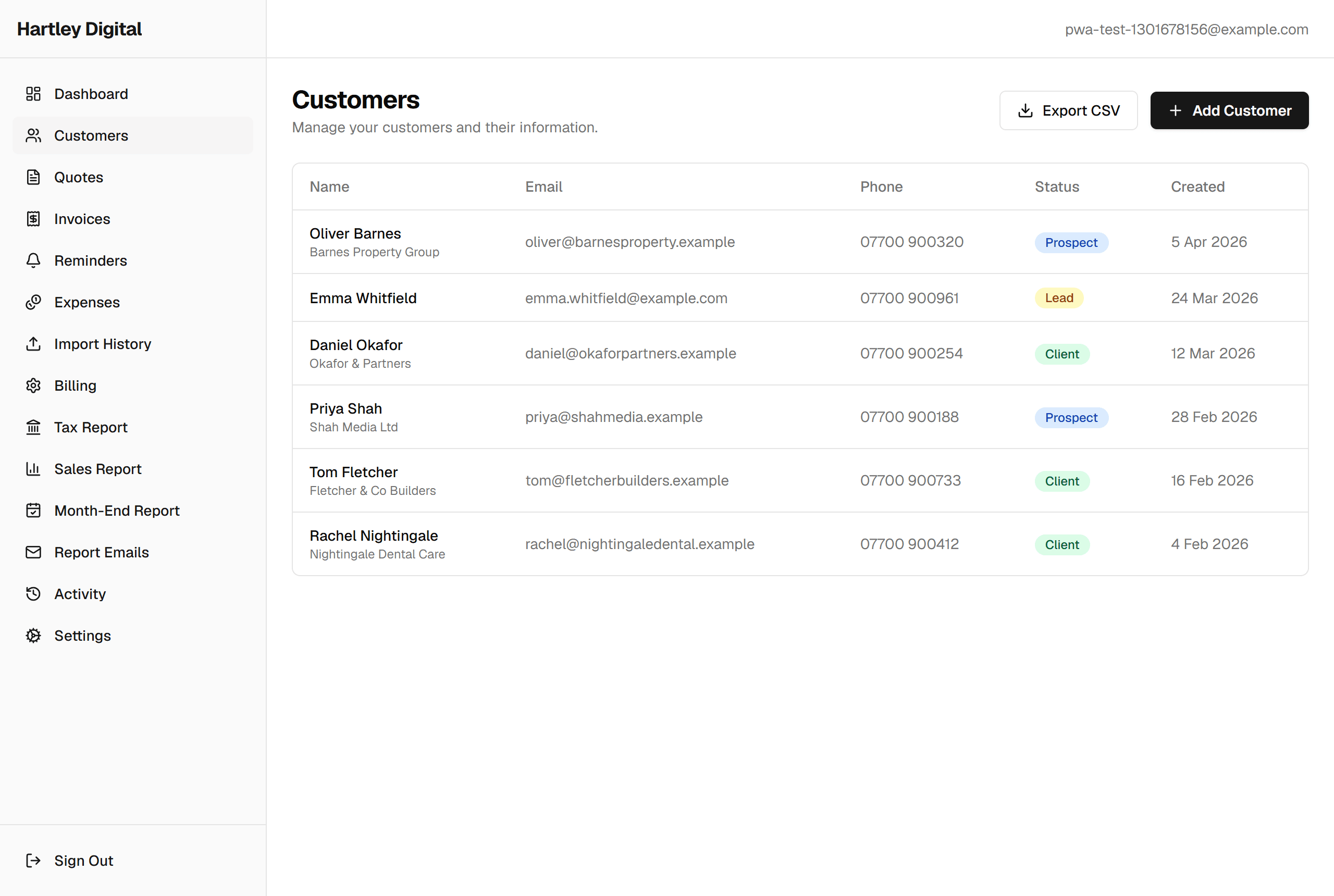
Leads & customers
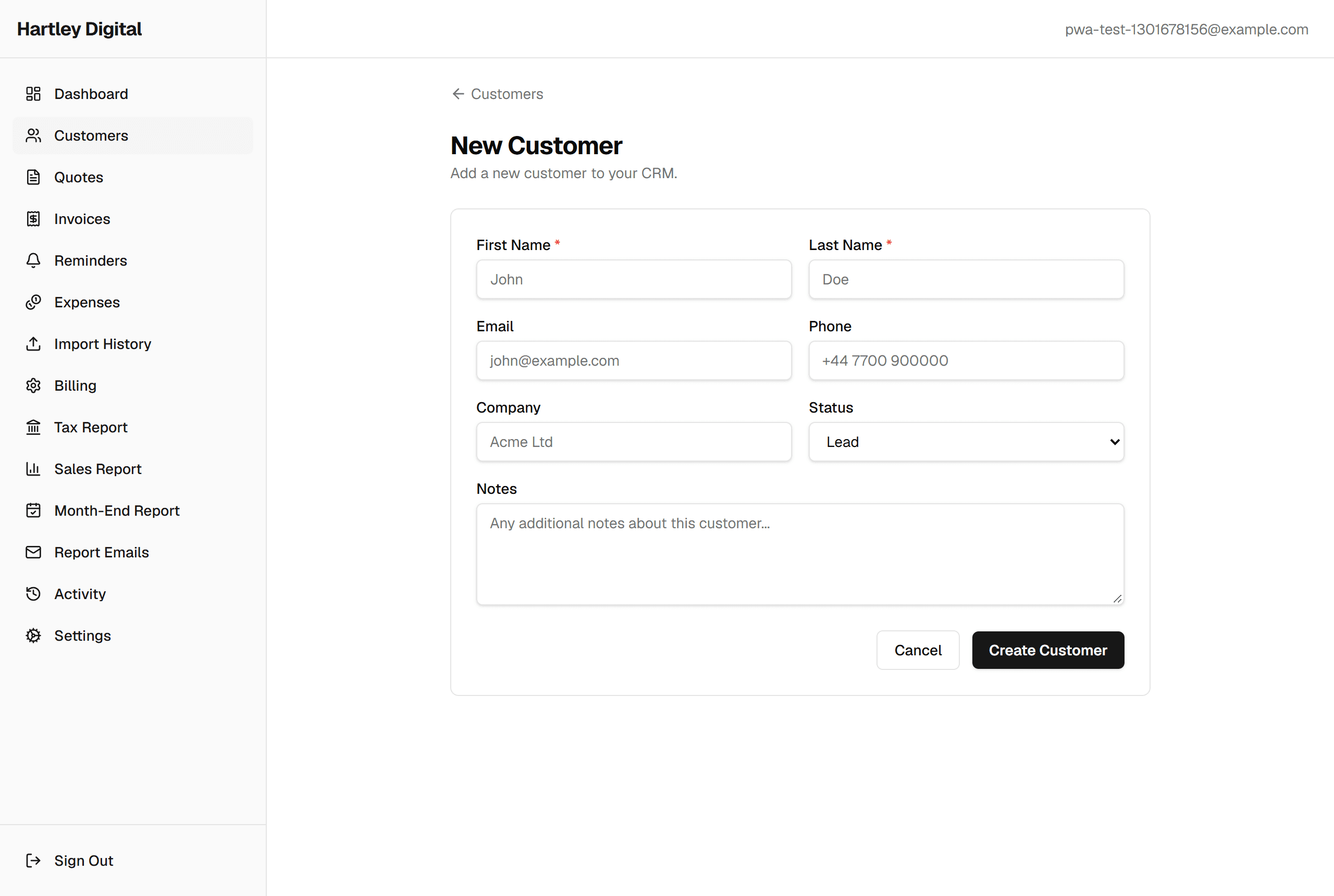
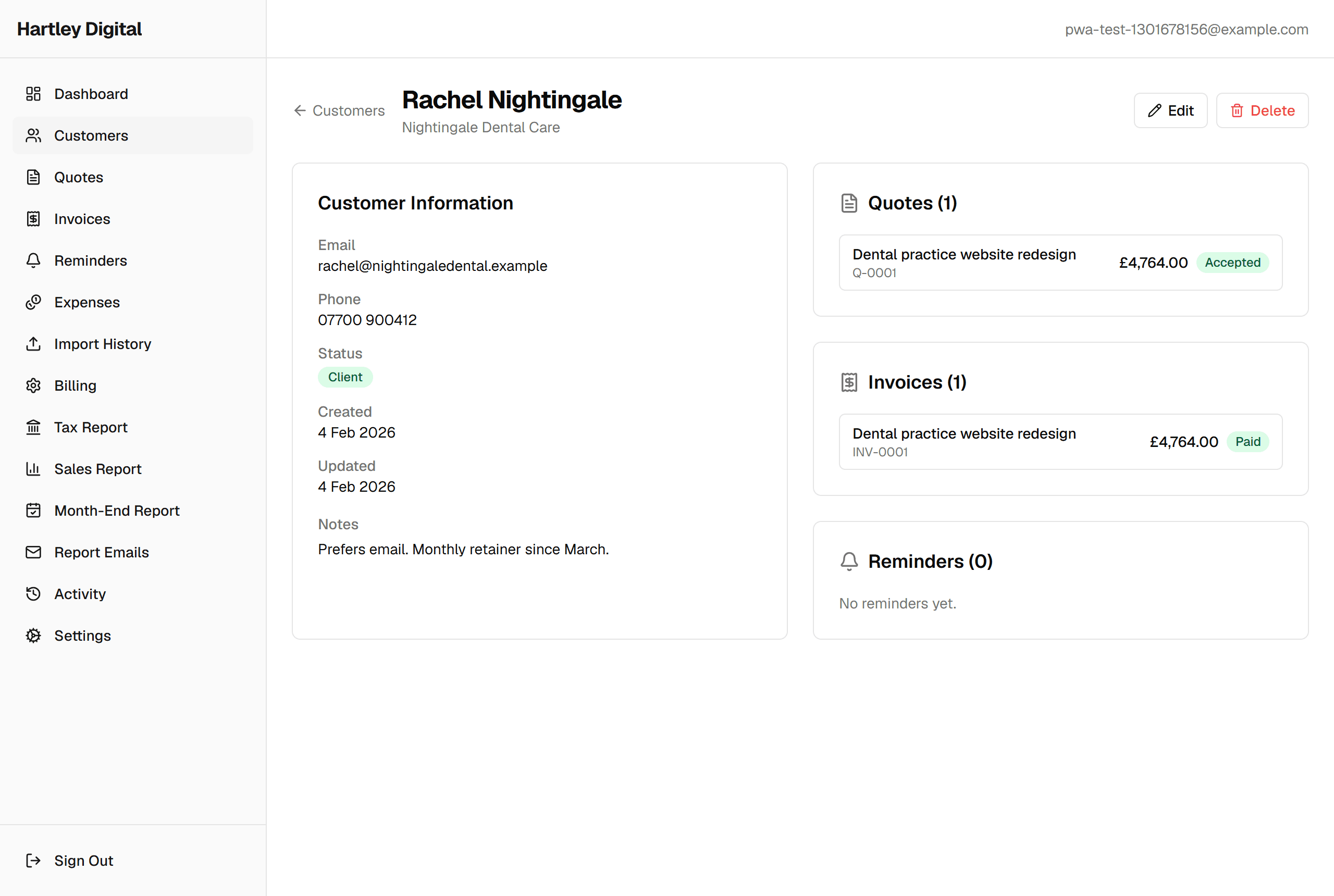
Every lead, prospect and client in one searchable list. Set a per-customer VAT preference on their profile to pre-fill quotes and invoices. Keep notes against the person, and see every quote and invoice you have raised for them without leaving the page.
Quotes
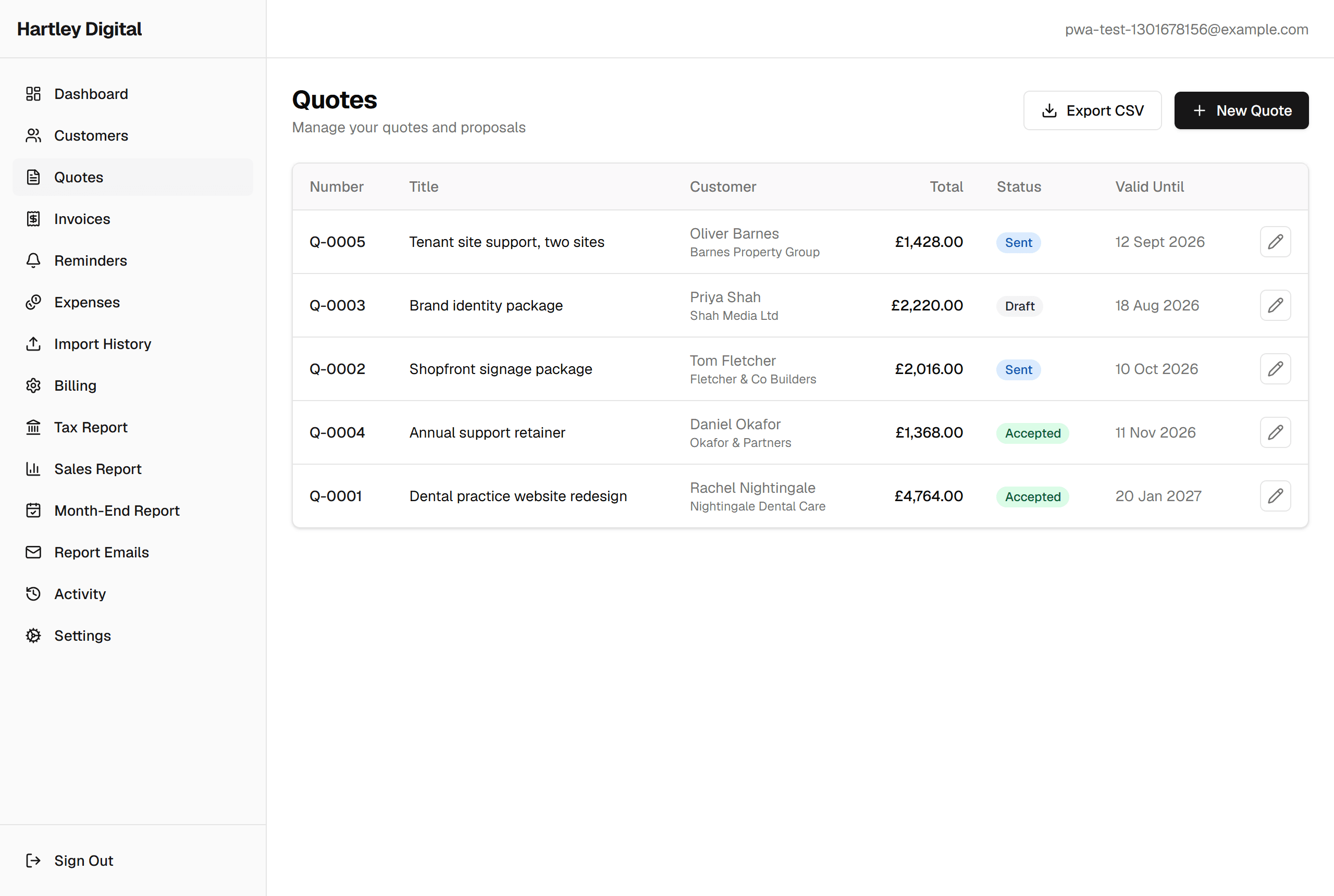
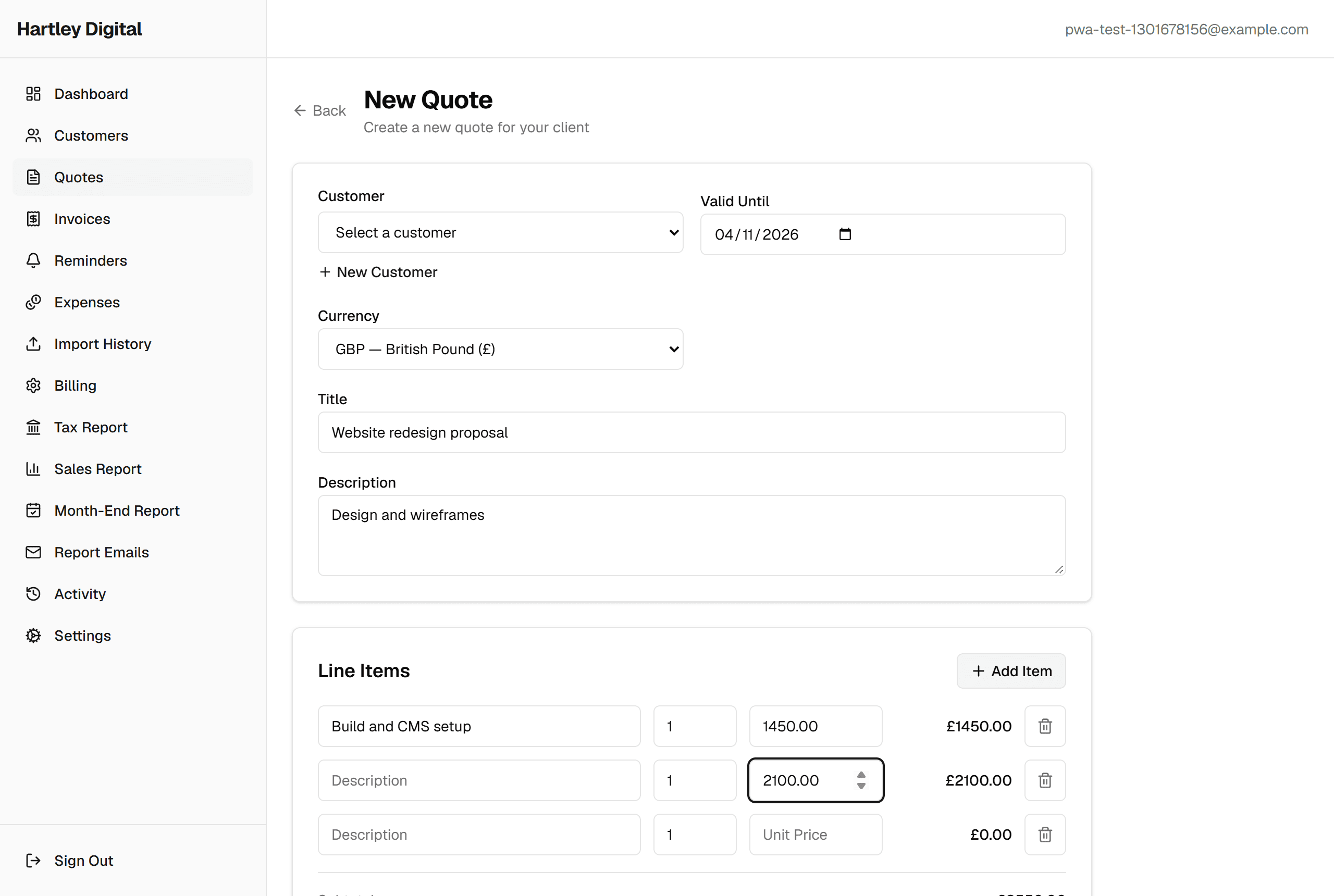
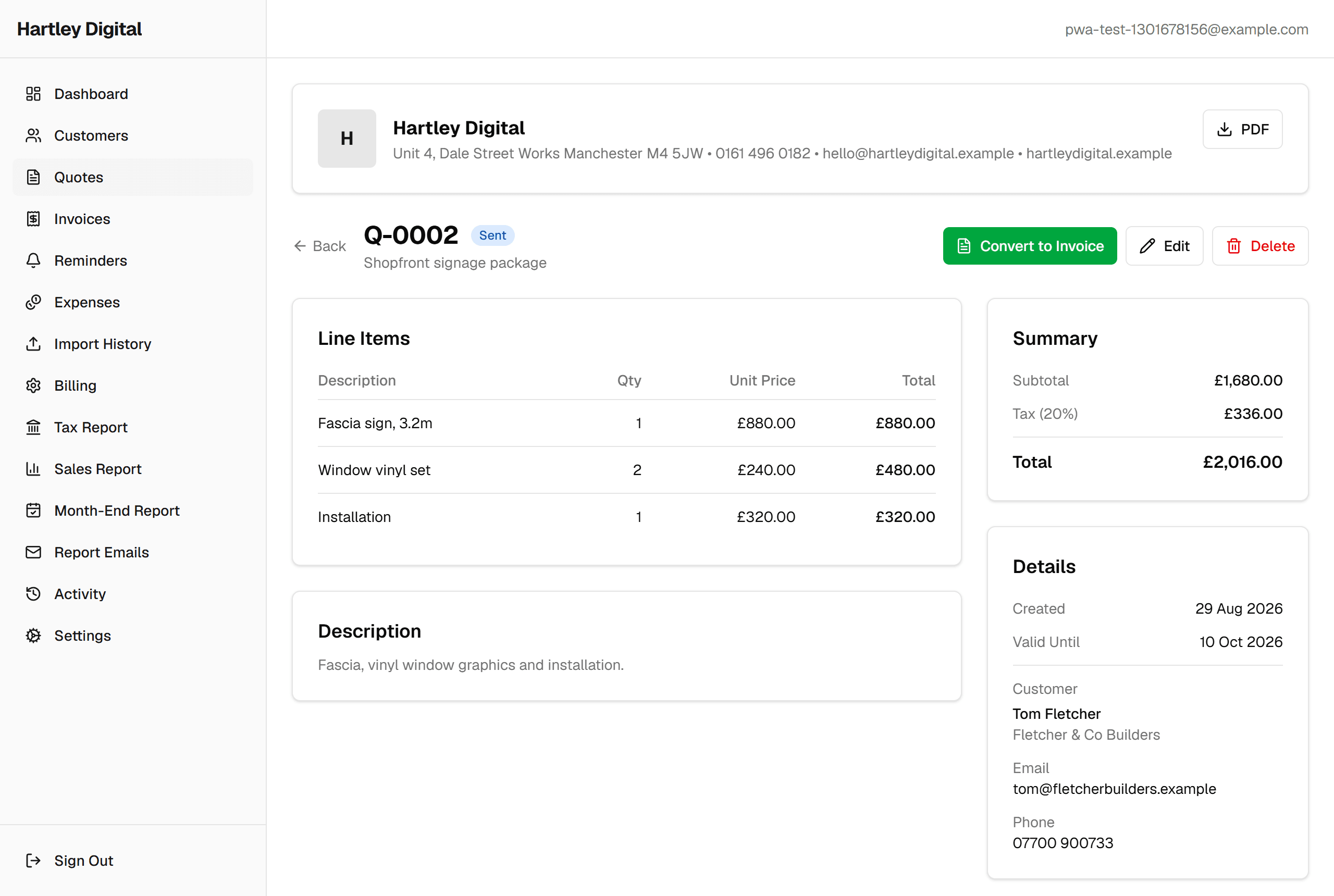
Build a quote line by line - VAT defaults from the customer but remains editable - set the VAT rate and currency, then send it as a PDF. Accepted quotes convert to an invoice in a single click so nothing gets retyped.
Invoices
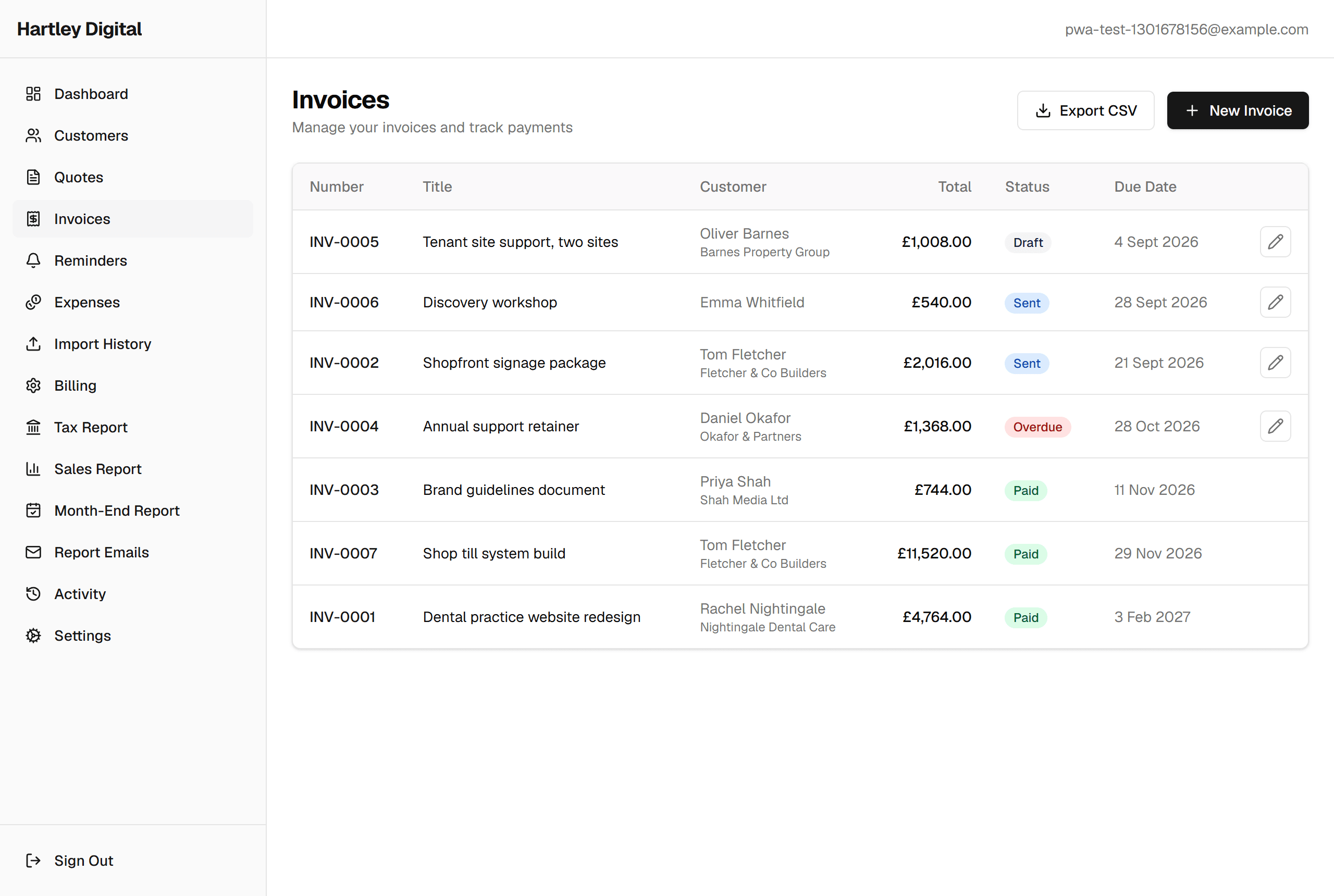
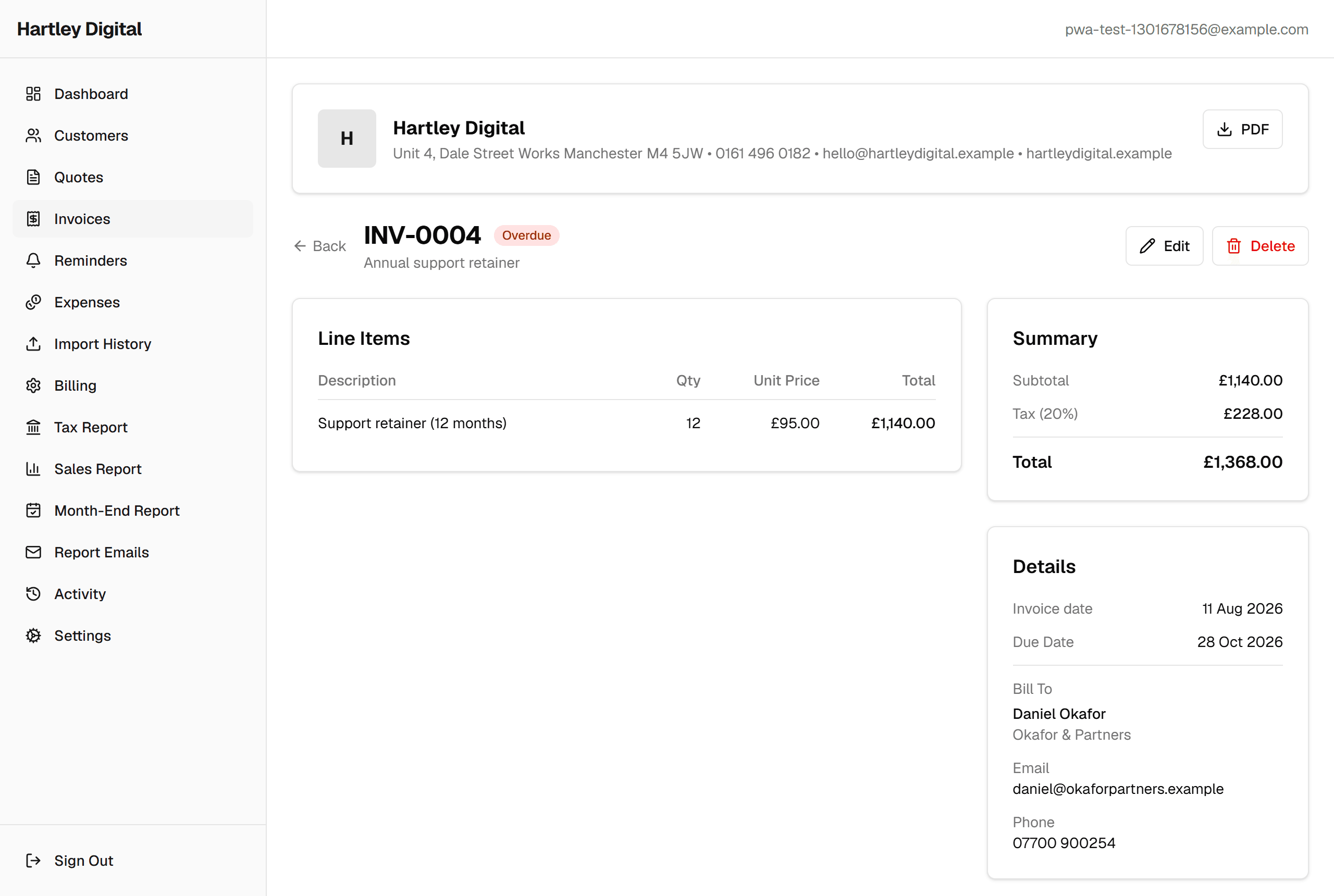
Clean, professional invoice PDFs your clients will take seriously. Mark invoices paid, chase the overdue ones, and keep a running total of what you are owed.
Reminders
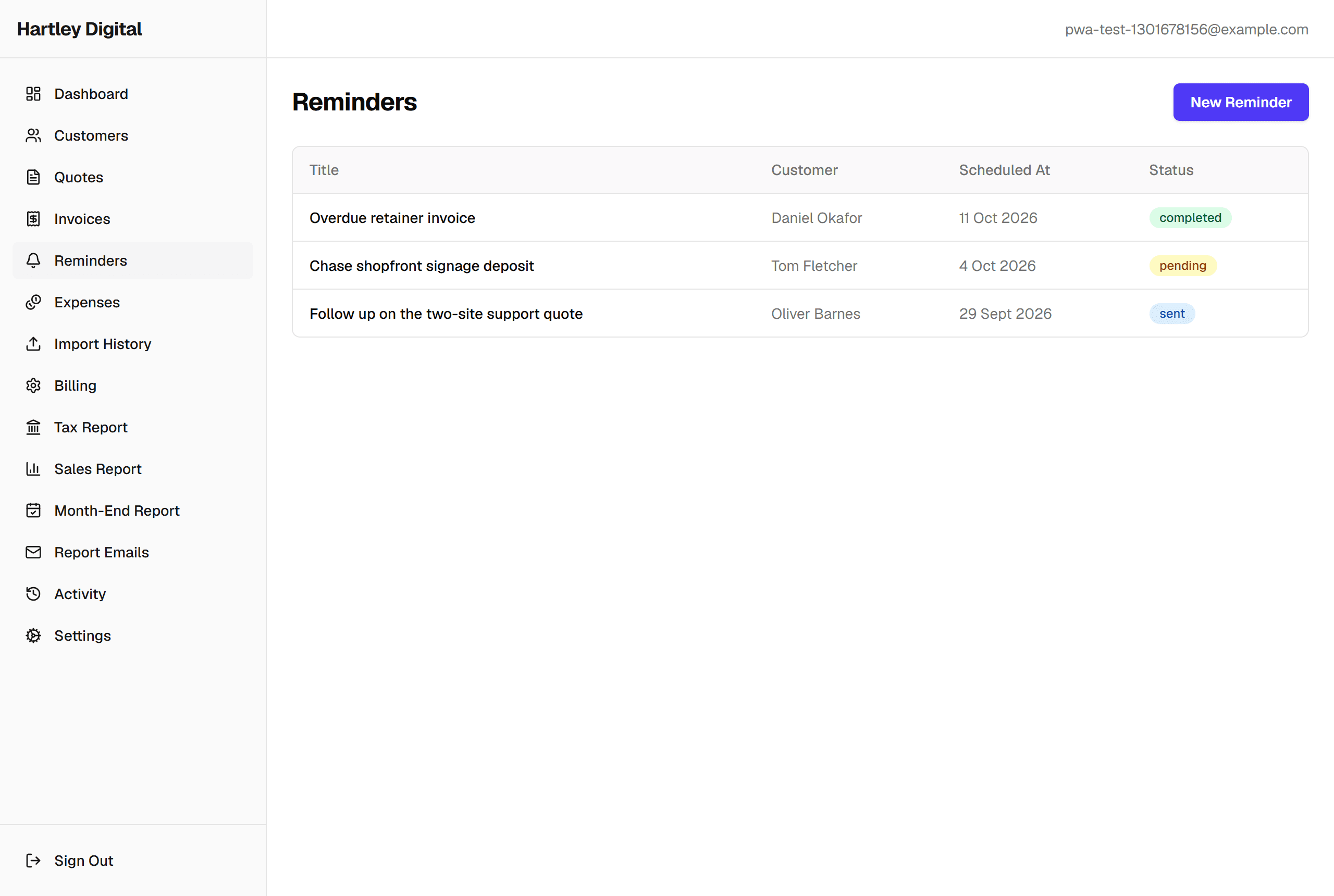
Never let a follow-up slip. Set reminders against quotes, invoices or important dates and work through the outstanding list.
Expenses
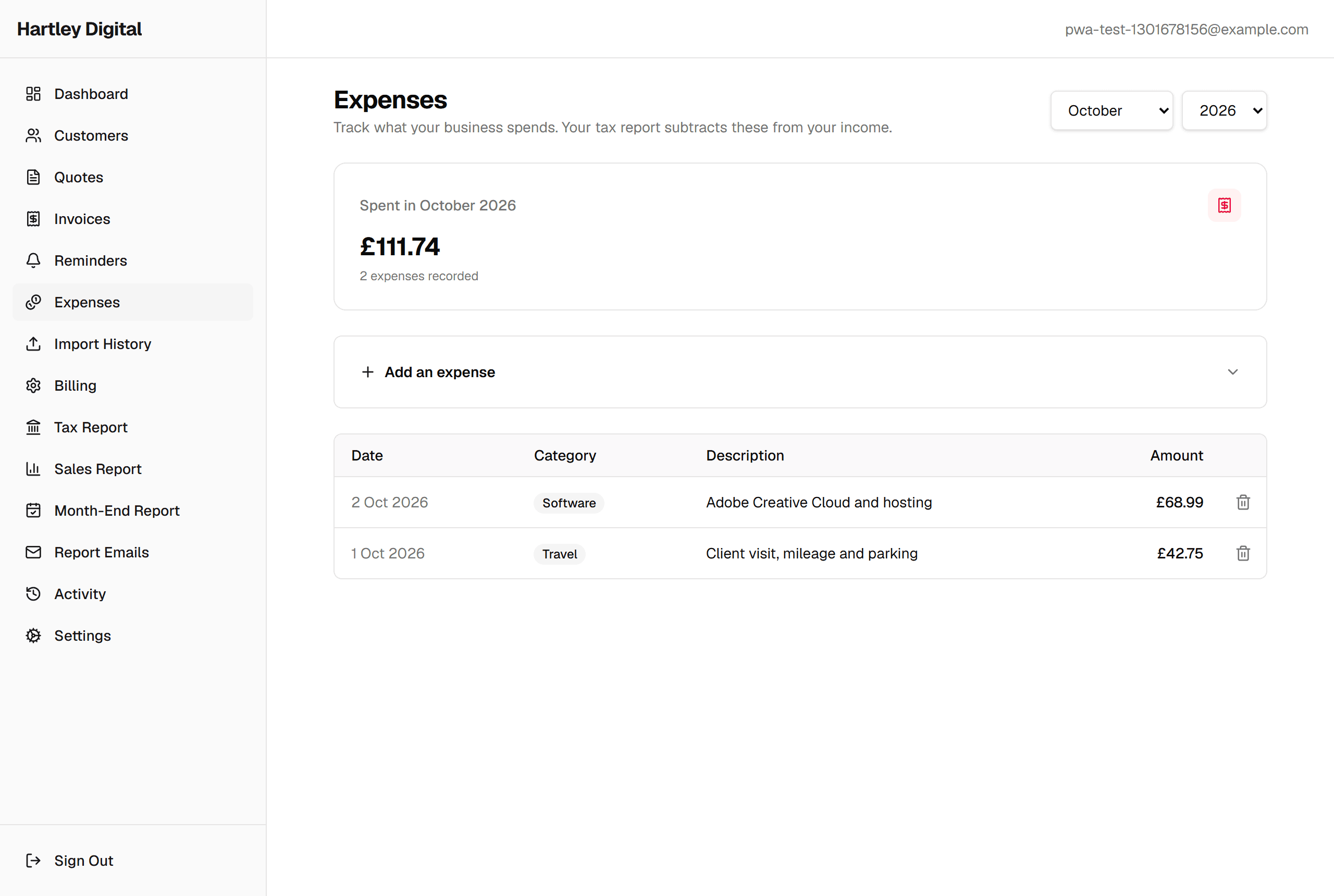
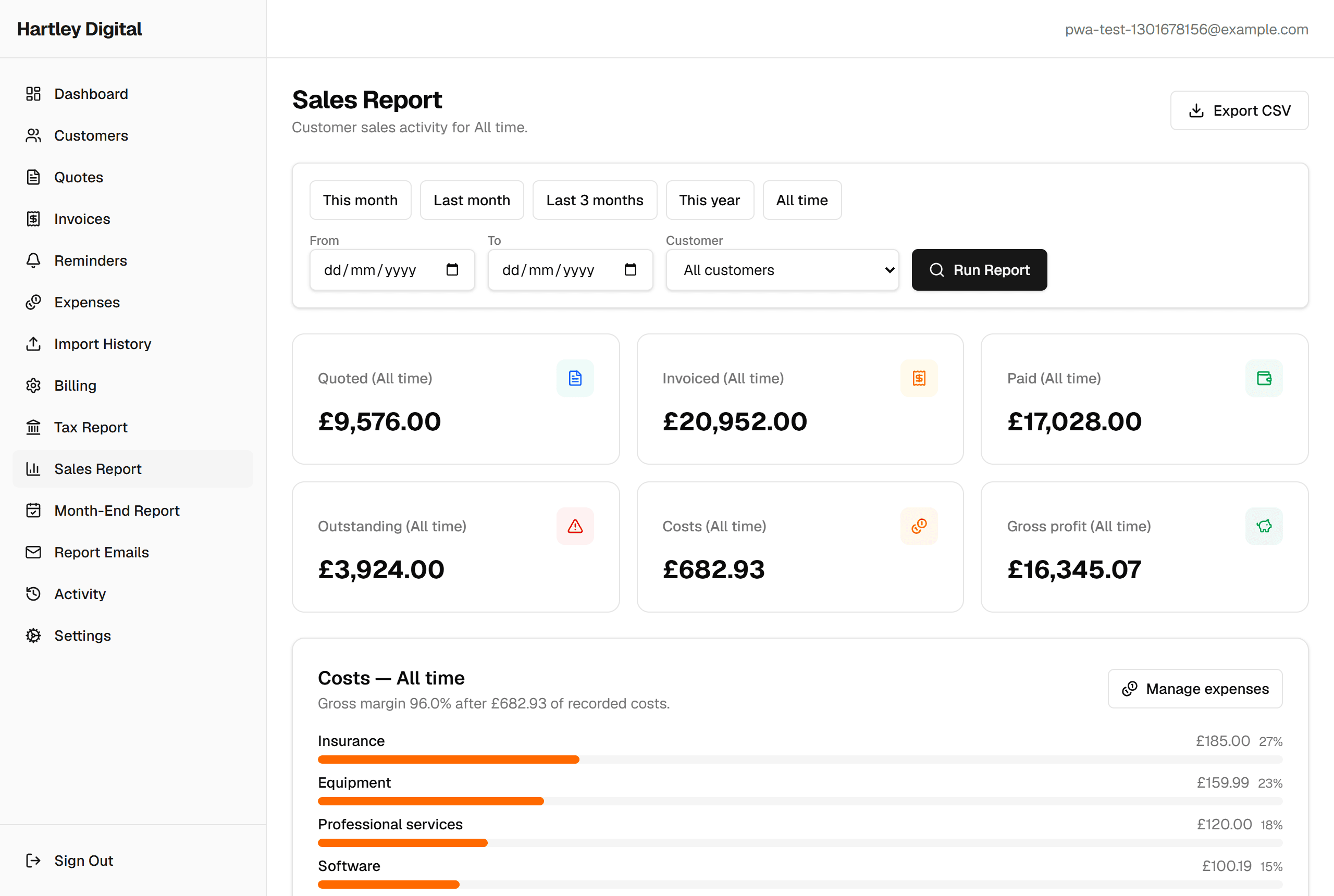
Log costs against the month so you know what you actually took home, not just what you invoiced.
Reports
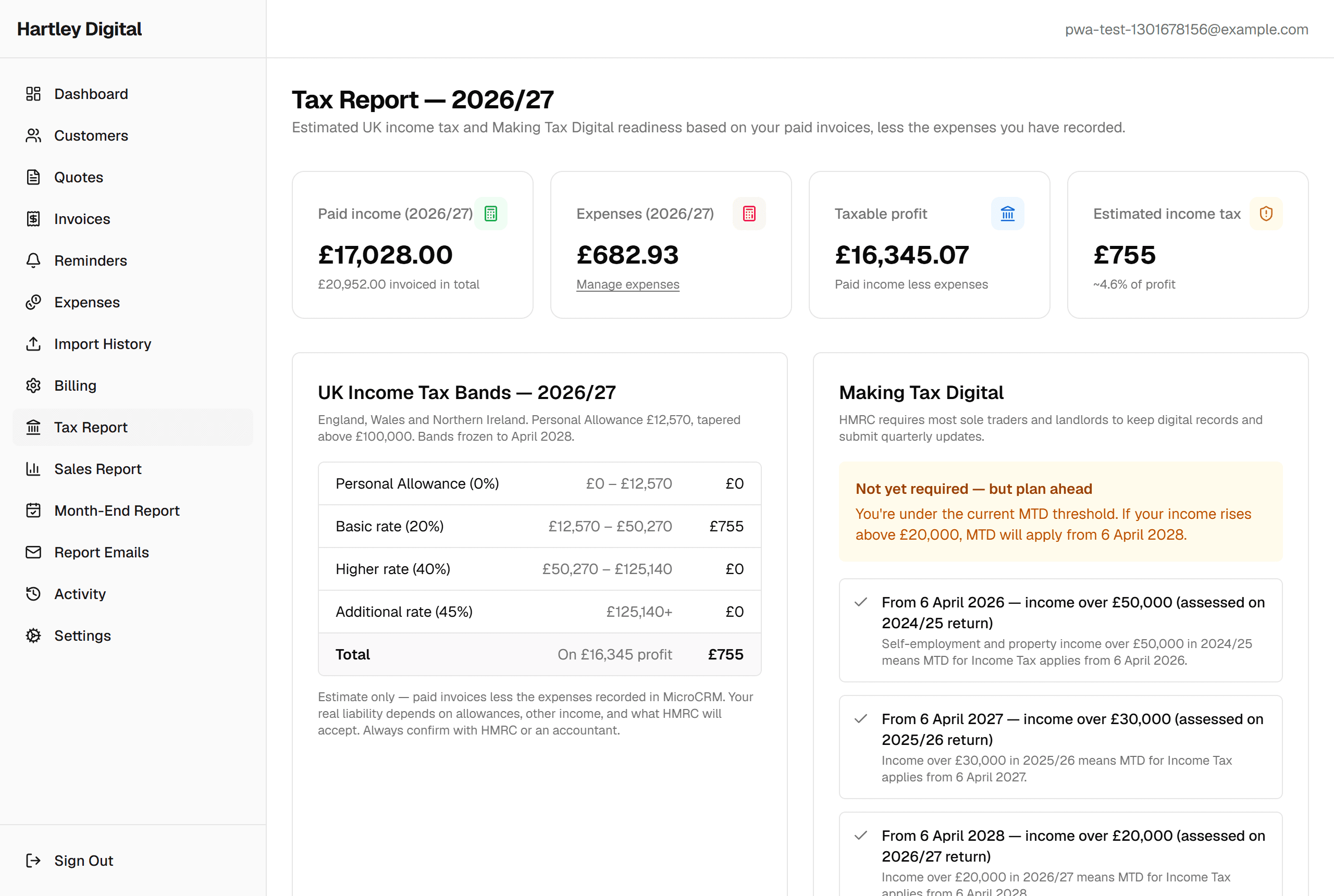
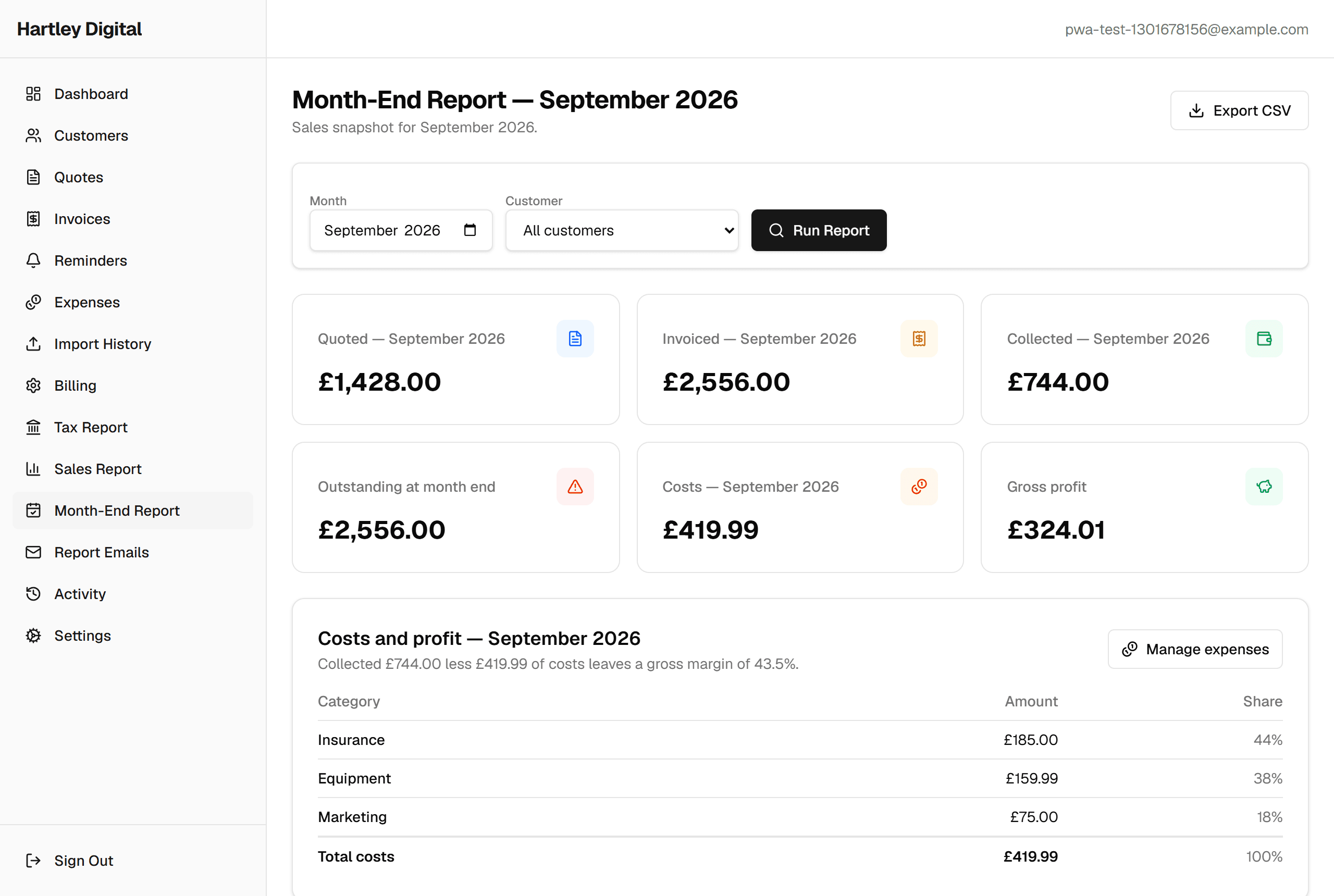
Sales, month-end and UK tax reports generated from your real data, including estimated income tax and when Making Tax Digital applies to you.
Import from a spreadsheet
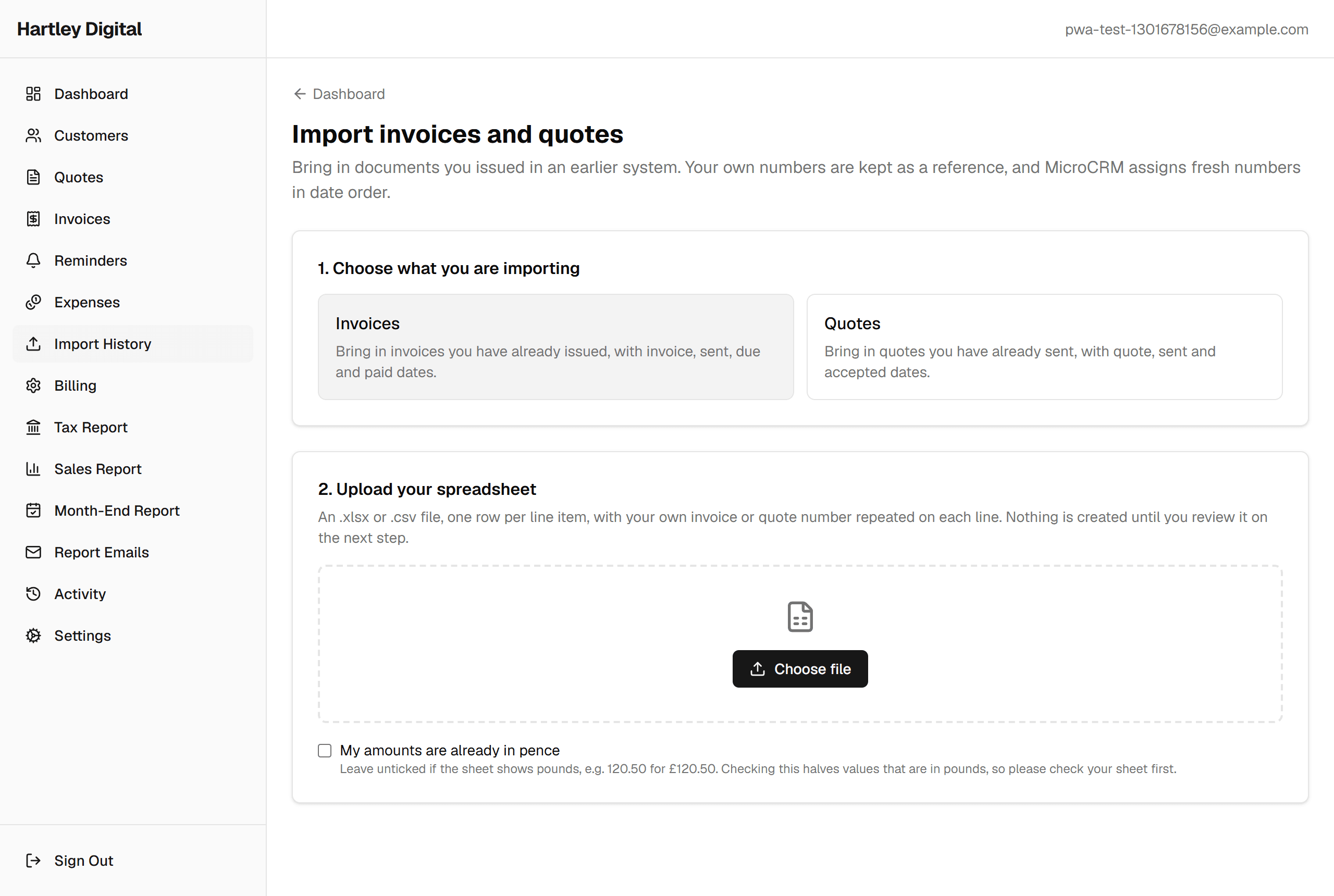
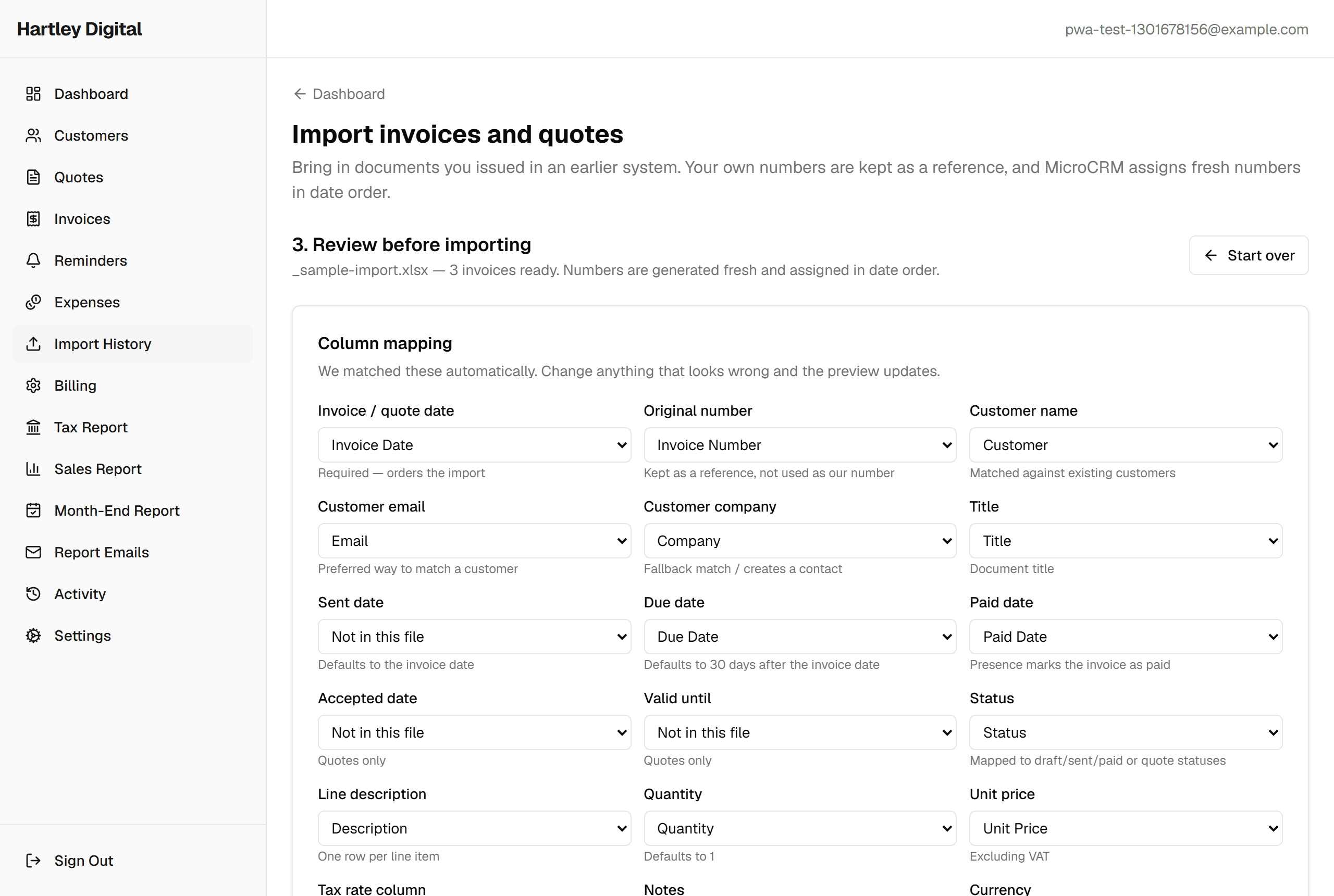
Already keeping your records elsewhere? Upload a spreadsheet and MicroCRM matches the columns for you, flags anything that will not import, and shows you exactly what will be created before you commit.
Activity & restore
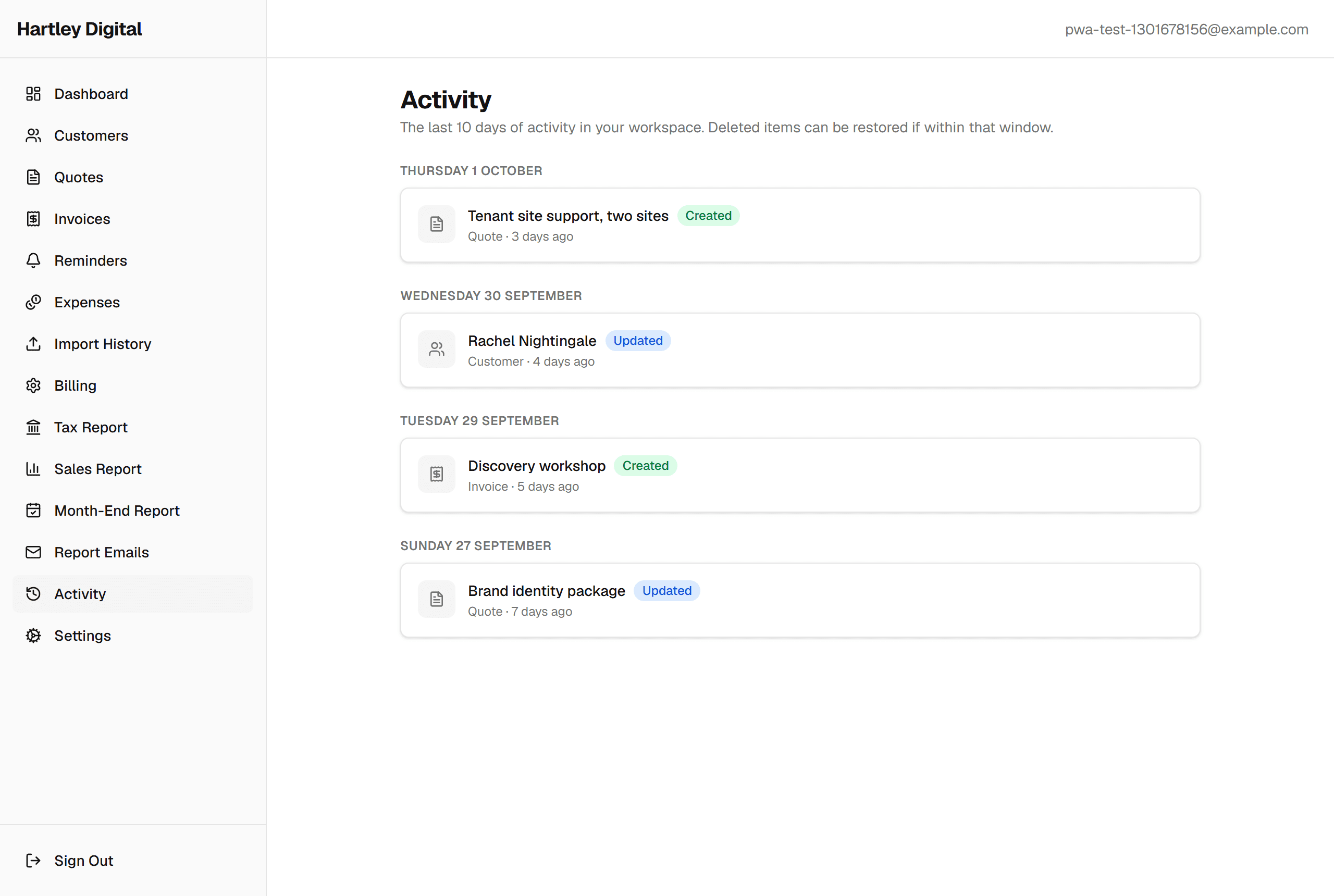
A ten-day activity log records what was created, edited and deleted, so an accidental deletion is a click to recover rather than a lost afternoon.
Branding & settings
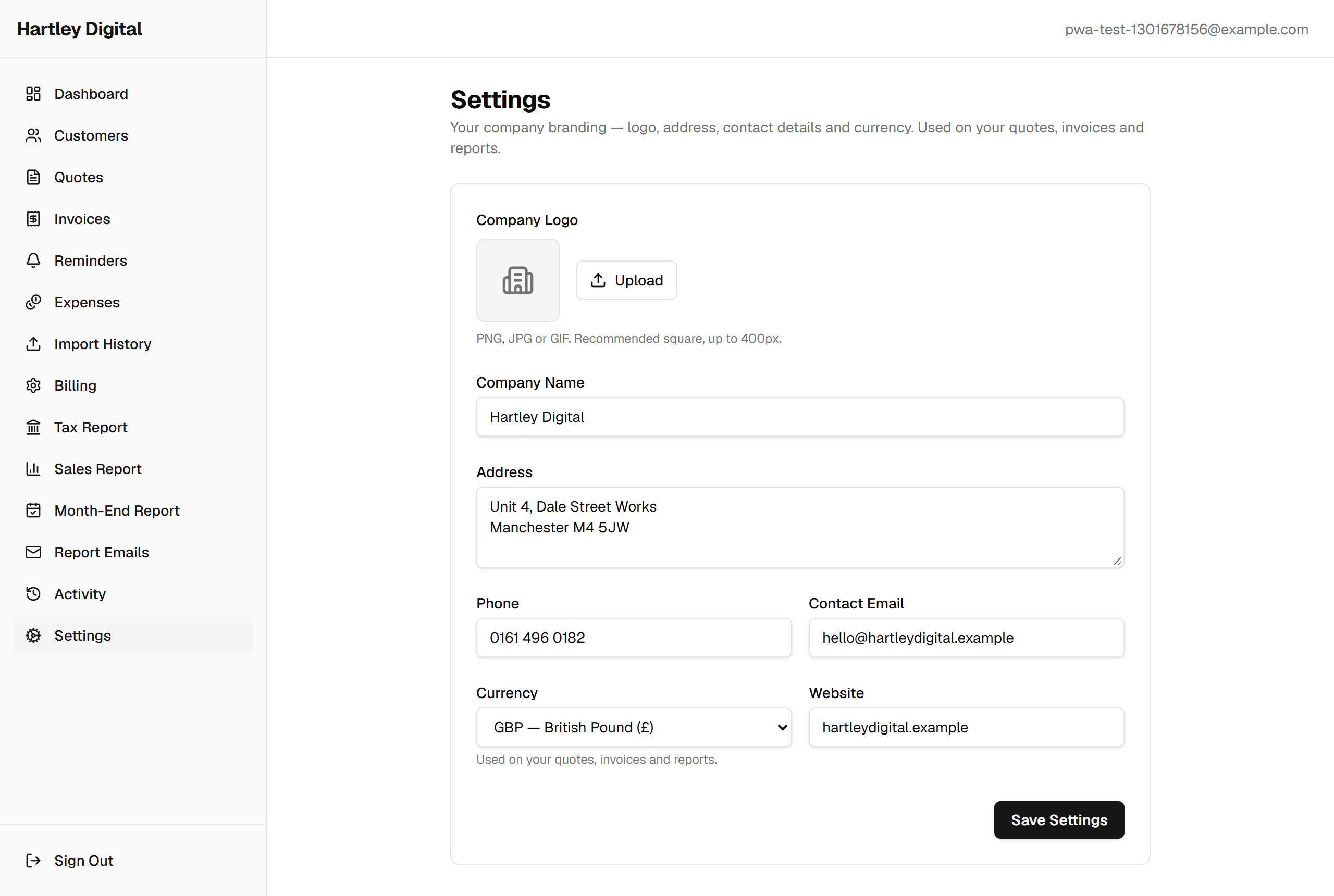
Put your own logo and company details on the PDFs your clients see - your branding carries across every quote, invoice and report. Automated report emails are scheduled under Reports > Report Emails.
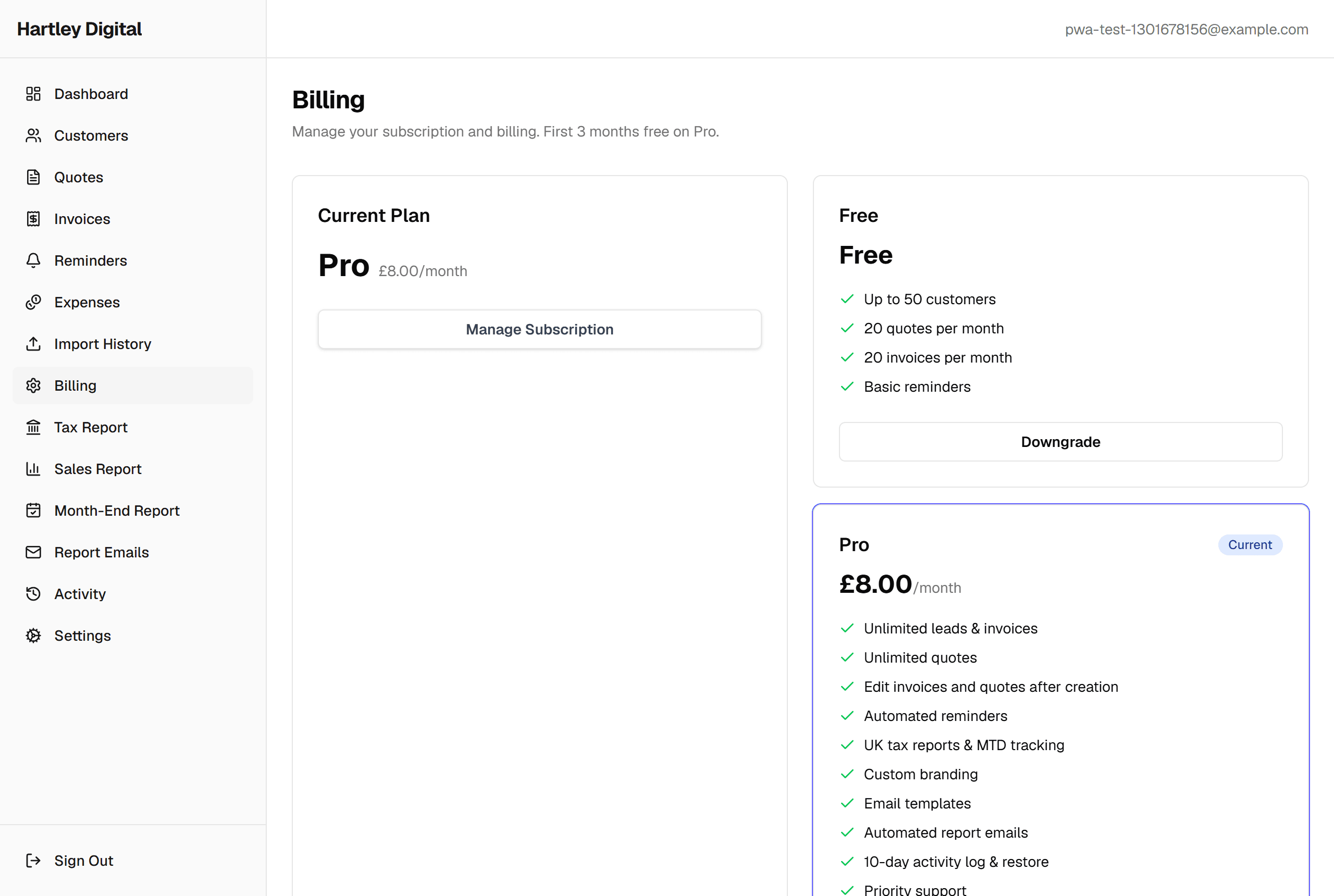
Billing
Manage your plan and payment method in-app. Start free, upgrade when you outgrow the limits, cancel whenever you like.